


Digital Onboarding Channels
Key Channels

Mobile App
Download our mobile application, or scan above QR Code
Digital Bank Account
Eligibility :
- Available for Jordanian residents and non-residents
- Minimum age 18 Years
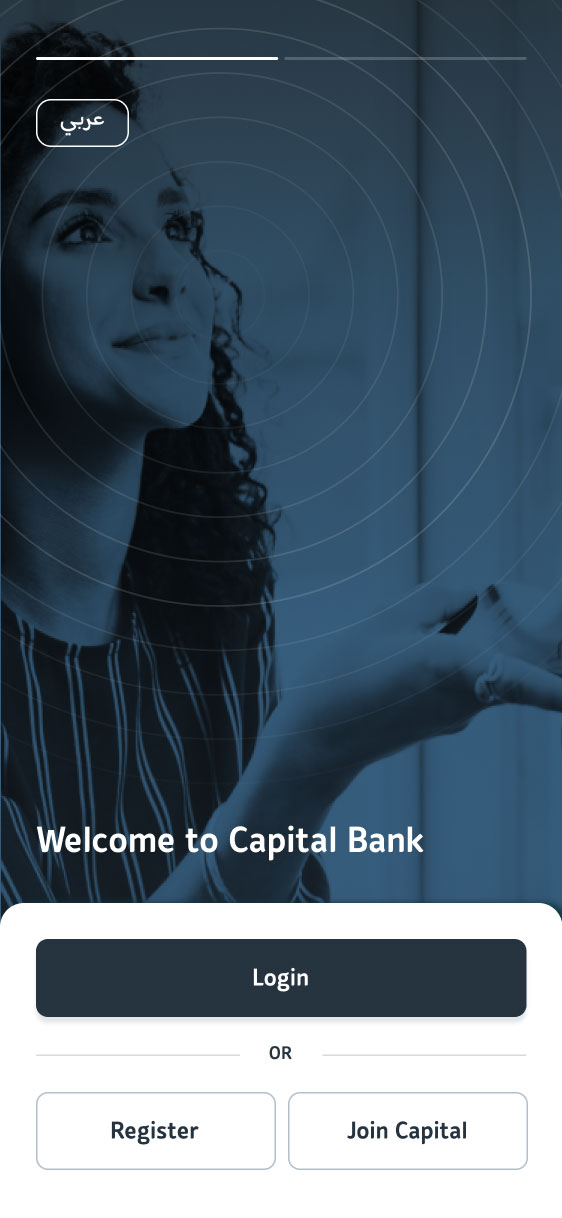
Guide to opening a digital bank account
-
Paperless account opening for Jordanian only. A National ID card is required.
-
For Jordanian non-residents, the documents required are proof of address /proof of income/residency card
-
No branch visit is required
- Free delivery of your debit card (ATM card) within a few days of completing the onboarding process
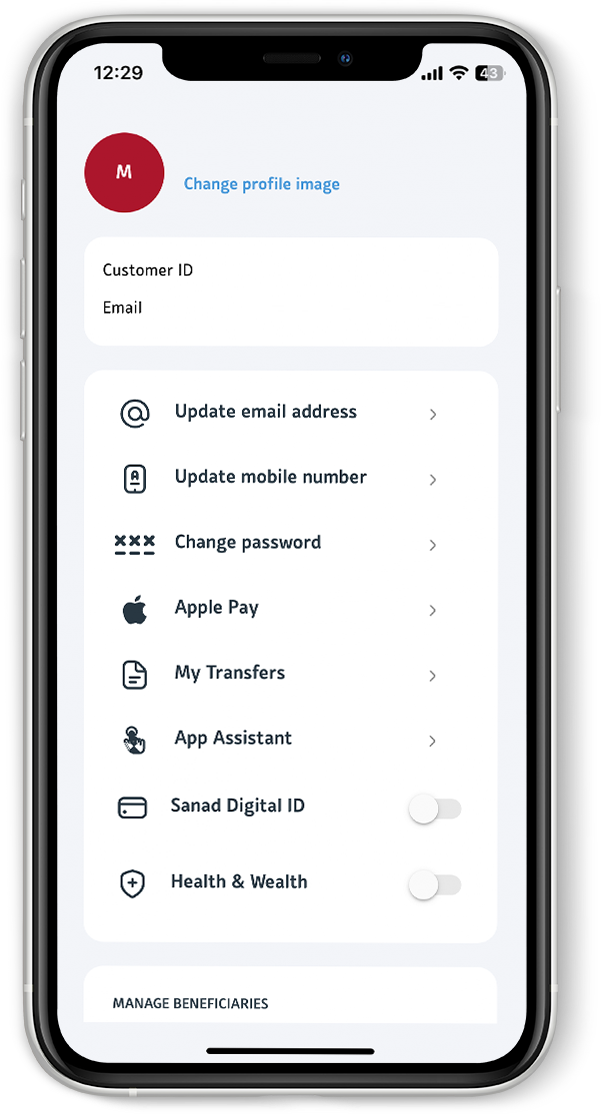
Benefits and features:
- Automatic enrollment in our loyalty program
- Apple Pay / Google Pay
-
Savings account that gives you access to our prize raffle
-
Special discounts at a wide range of merchants
- CliQ transfers
- Virtual Card
- Bills Payment
- Transfers
- Create Term Deposit
- Card Management
- Cardless Withdrawal
- Western Union Transfers
- Open an Additional Account
- Easy Payment Plan (EPP).
- E-Voucher
- Travel Insurance

Is the Digital Onboarding available to all Nationalities?
Capital Bank Digital Onboarding is available only to Jordanian residents and Jordanian non-residents.
How long would the onboarding journey take?
The onboarding journey takes less than 10 minutes to complete. Once your account is opened, you can immediately start using the mobile application features.
When will I receive my debit card?
What other services are available on the application after onboarding?
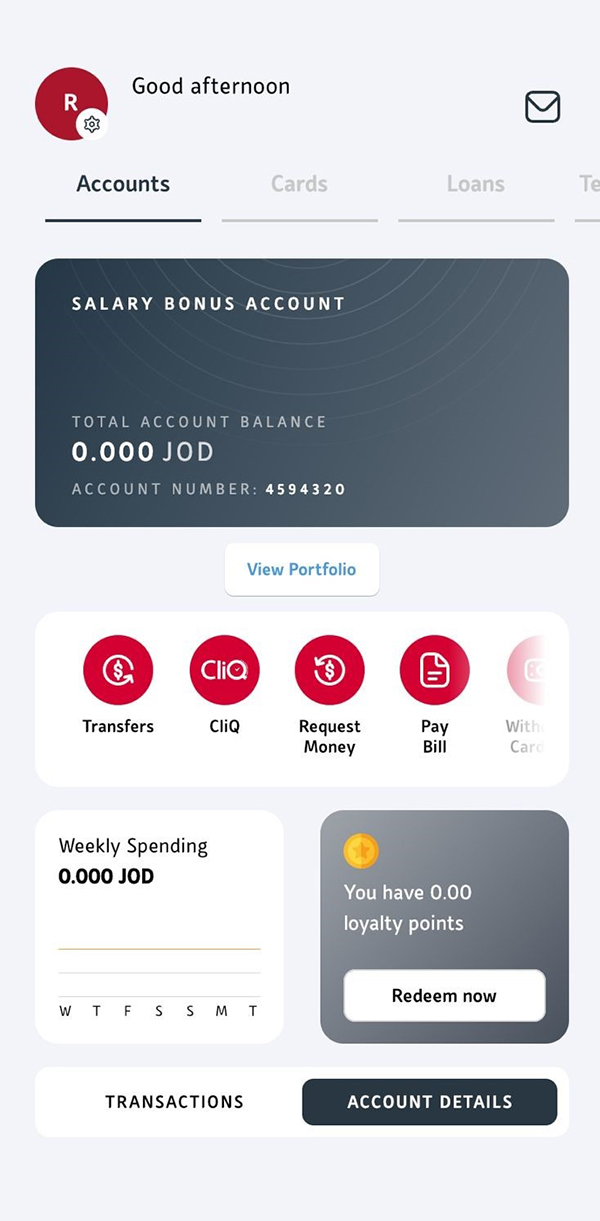
Explore the services available on our mobile application
Troubleshooting ?
For the selfe image, make sure lighting is sufficient and keep your face within the frame available in the application.
For ID scanning, make sure to place your ID on a flat surface with sufficient indirect light.
If you do not receive the OTP, you can request to resend it without leaving the OTP screen
What should I do if I run into a problem or need help?
You can contact our Call Center at +96265100220 and speak with one of our Phone Banking officers for assistance.
Want to learn more about this product?
Get the App
Apply directly on the mobile app for easy
registration without the need to visit the bank.

.ashx)

